
Release date: 21 August 2023
Overview
Share feedback
Help shape the future of ggRock by contributing to our roadmap. Share your ideas and vote on features here: https://roadmap.ggcircuit.com/home?product=ggrock
New features
ggRock Scheduler 1.0
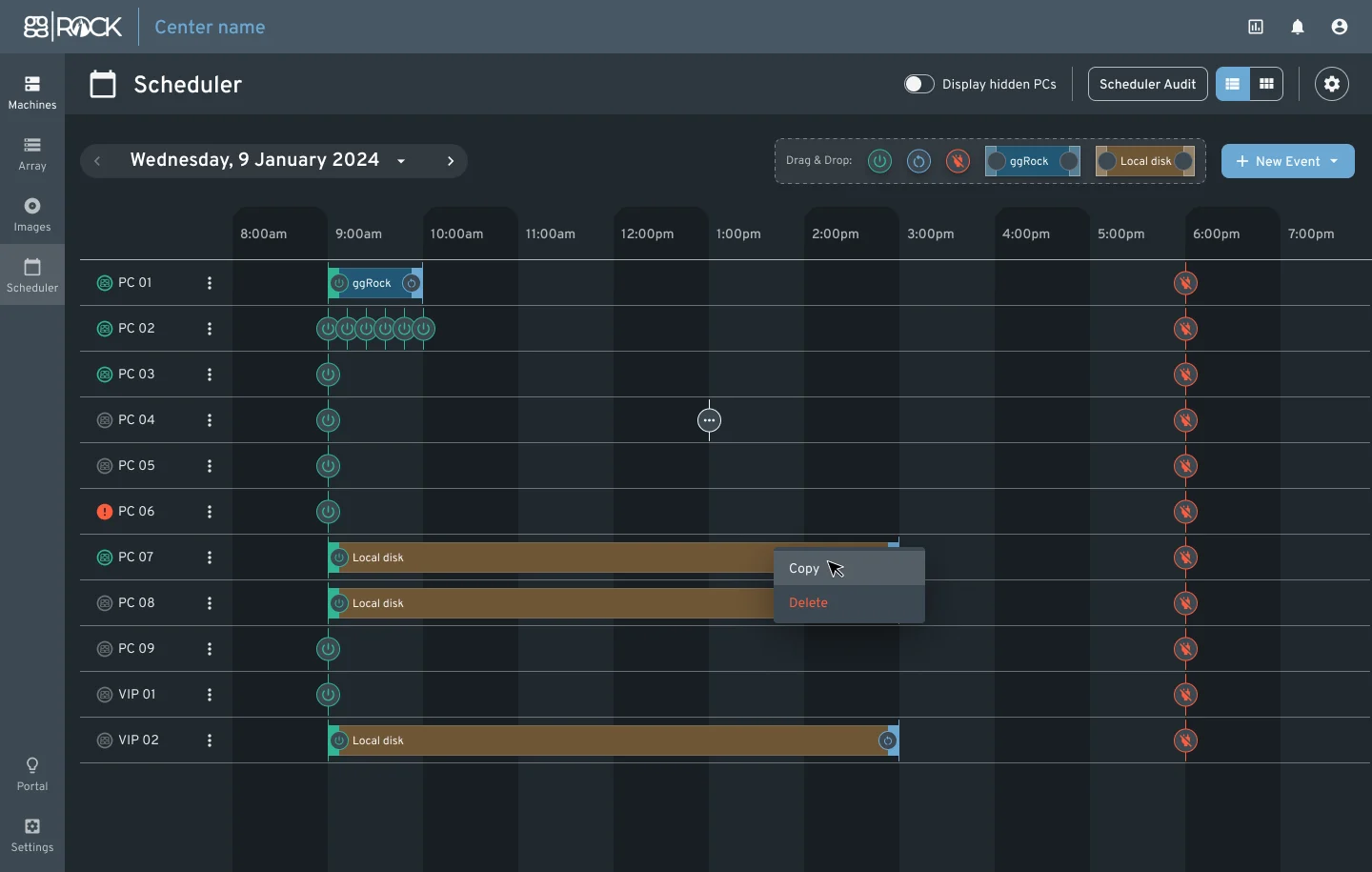
The ggRock Scheduler is designed to provide enhanced control and automation for managing PCs in a center. Key features include:
Flexible Scheduling: Easily switch between local drives and ggRock during PXE boot, both on individual machines and globally.
Wake on LAN & Commands: Schedule Wake on LAN commands and other machine-related commands for PCs with a ggRock client.
Boot Mode Control: Define when ggRock should be On or Off and specify which images machines should use.
Event Management: Schedule specific actions like turning PCs on/off, rebooting, and more. Events can be repeated and managed efficiently.
Live PC Status: View real-time status of PCs, including their current state, images in use, and recent actions.
Notifications & Alerts: Receive notifications when updating PC settings and alerts for important events.
Detailed Logging: An inspector provides a log of all actions, state changes, and errors for transparency and troubleshooting.
This feature aims to automate center operations, from booting machines with specific images to scheduling regular tasks, ensuring efficient and smooth operations.
ggRock Standalone app
The goal is to improve ggRock app with a standalone (running on non-ggRock PC) version that would, among other things, allow:
Shutdown or reboot a machine
Reporting current IP, link speed, uptime and other data points we normally have for ggRock-managed machines but for unmanaged ones that are running the client.
Seamless Boot Improvements for Hardware Integration
To enhance the seamless boot process, especially when integrating new hardware, we've introduced the following improvements:
Manual Driver Selection: Users can now manually select a driver during the seamless boot process. This addresses issues where the system's automatic selection of the latest driver version might not be compatible with certain NICs or revisions.
Driver Versioning Based on NIC's Vendor ID: The WinPE process has been modified to return a list of matching driver versions based on the current NIC's vendor ID.
Console-based UI in WinPE: A new console-based UI in WinPE presents a list of drivers, with the latest driver pre-selected. Users can choose a different driver if needed, enhancing the boot success rate.
These improvements aim to provide users with more flexibility and control during the boot process, ensuring a smoother experience when integrating new hardware.
Other updates
Web Admin
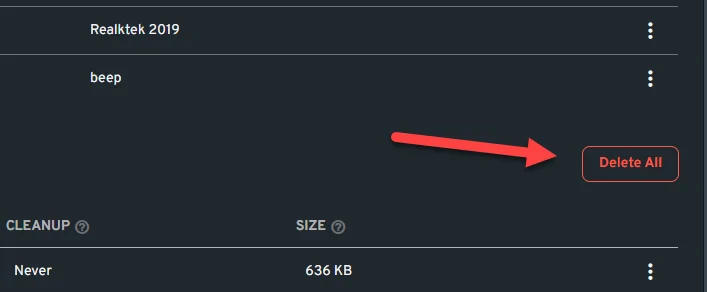
Added the ability to “Delete All” writebacks.
Improved Add Stripe button feedback when adding it to an array.
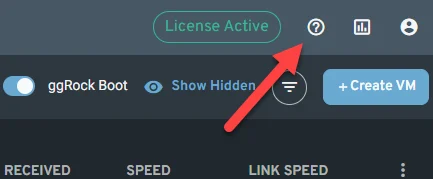
Added Help portal link to the ggRock UI.
RAM visualization and settings improvements.
Now, 4GB of RAM are set by default to prevent new admins from facing problems when creating Virtual Machines.
Virtual Machines running are now being properly represented into the total RAM graph.

Improved multiple images selector for machines settings.
Made Debian Cockpit service to exclusively run TLS 1.2/1.3 so that we can ensure a secure connection for our users.
Improved error messages across ggRock UI. These are now more accurate and informative so that administrators can quickly identify the cause of a problem and resolve it efficiently.
Improved the way ggRock client service is added to the machines.
Introduced ggRock log rotation to prevent system drive being filled up.
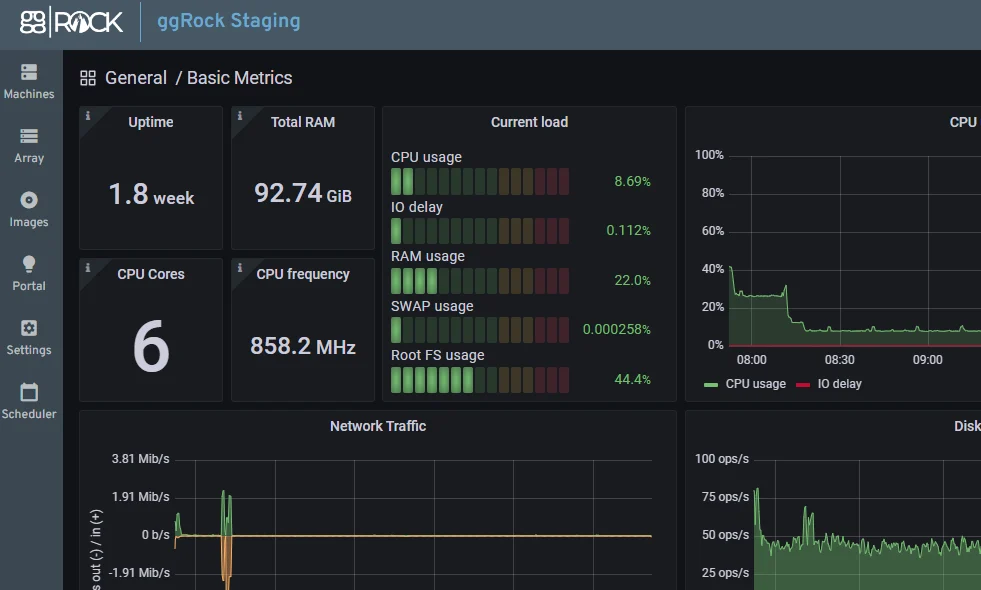
Grafana credentials are now integrated into ggRock so the user does not need to have an extra user/pass to check server metrics.
Documentation
Updated ggRock Hardware recommendation guidelines: https://help.ggcircuit.com/knowledge/ggrock-hardware-recommendations
Bug fixes
Implemented PC name validator to prevent using wrong PC names that may cause BSOD’s when booting machines.
Fixed pressing cancel buttons from /settings/general enables the apply changes button.
Fixed a bug that allowed the ability to delete locked snapshots.
Fixed a bug the causes Custom Snapshot to be shown in the Images even if the scheduled boot mode is set to use default snapshots.
Fixed Wake on Lan not working when attempting to boot machines from the ggRock UI across different subnets.
We've tackled the driver selection issues to ensure a more seamless boot process.